Blog

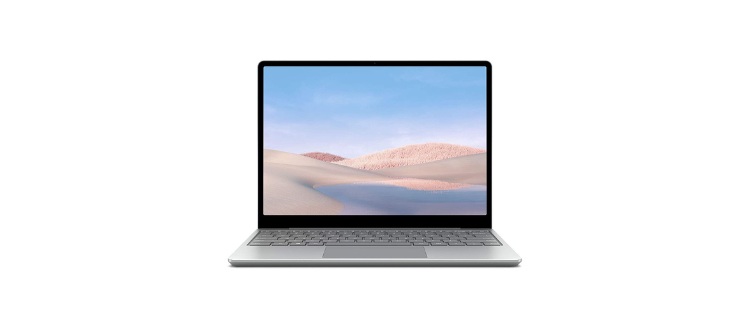
Laptops have become an integral part of our daily lives, and we depend on them for various tasks, including work, communication, and entertainment. However, laptops are not immune to technical problems, and they may malfunction due to hardware or software issues. In such cases, you may need to seek laptop repair services to get your device up and running again. In this blog, we will explore the common laptop problems and how laptop repair services can help resolve them.

Common Problem

  • Slow Performance: Laptops may slow down over time due to a buildup of junk files, software conflicts, or outdated hardware. This can be frustrating, especially if you need to complete work-related tasks quickly.
  • Overheating: Overheating is a common problem for laptops, which can cause hardware damage, decreased performance, and even system failure. This can occur due to dust accumulation, faulty fans, or using your laptop on a soft surface.
  • Broken Screen: A broken laptop screen can make it difficult or impossible to use the device. This can happen due to physical damage, such as dropping the laptop or excessive pressure on the screen.
  • Laptop Repair

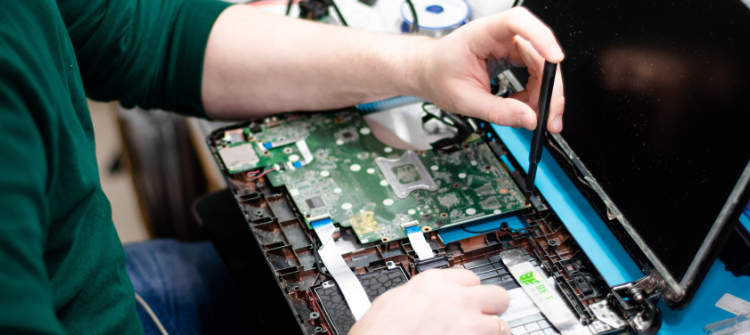
  • Hardware Repairs: Laptop repair services can diagnose and repair hardware issues, including overheating, hard drive failure, and damaged screens. They can replace faulty components, upgrade your laptop's hardware, and restore it to optimal performance.
  • Software Repairs: Laptop repair services can diagnose and resolve software-related issues, including virus infections, software conflicts, and operating system errors. They can also update and optimize your laptop's software to improve its performance.
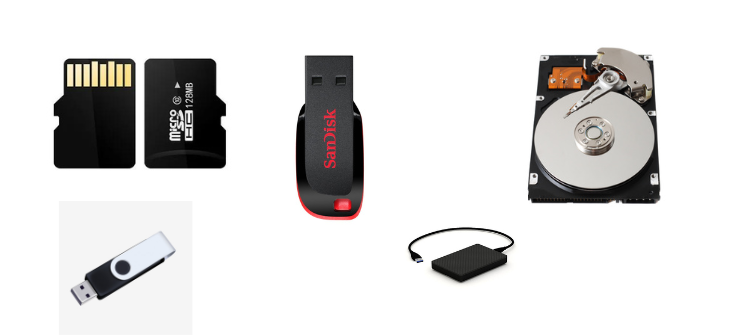
  • Data Recovery: If you have lost important data due to a hardware or software issue, laptop repair services can help recover your files. They can use specialized tools to recover data from damaged hard drives or other storage devices.
  • Maintenance Services: Laptop repair services can provide routine maintenance services, including cleaning the laptop's internal components, optimizing software, and replacing worn-out parts.
  • Common Desktop Problems:

  • Slow Performance: One of the most common problems with desktops is slow performance. This can be caused by a range of factors, including outdated hardware, insufficient memory, or software conflicts.
  • Hardware Failure: Desktop computers have a range of hardware components that can fail over time. This can include problems with the power supply, hard drive, or motherboard.
  • Software Issues: Software problems can cause a range of issues, including crashes, slow performance, and error messages. This can be caused by viruses, malware, or outdated software.
  • Overheating: Overheating can cause problems for desktops, including hardware damage and reduced performance. This can be caused by dust accumulation, malfunctioning fans, or a lack of proper ventilation.
  • Benefits of Upgrading Your Computer:

  • Improved Performance: One of the most significant benefits of upgrading your computer is improved performance. This can include faster processing speeds, increased memory, and improved graphics capabilities.
  • Increased Storage Space: As we accumulate more files, documents, and media, our computer's storage space can quickly become full. By upgrading your hard drive or adding an external drive, you can increase your computer's storage space.
  • Better Compatibility: As new software and hardware are released, older computers may not be compatible with these updates. By upgrading your computer, you can ensure that you have the latest technology and can use the newest software and hardware.
  • Longer Lifespan: By upgrading your computer's components, you can extend its lifespan and delay the need for a new computer purchase.
  • Tips for Upgrading Your Computer:

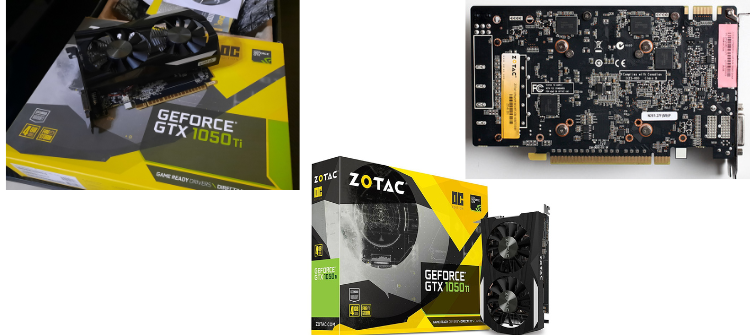
  • Determine What Needs Upgrading: The first step in upgrading your computer is to identify which components need upgrading. This can include the processor, memory, hard drive, graphics card, or other components.
  • Research and Purchase Compatible Components: Before purchasing new components, research which ones are compatible with your current computer. You can consult your computer's manual or visit the manufacturer's website to determine compatibility.
  • Back Up Your Data: Before upgrading your computer, make sure to back up your important data to avoid losing it during the upgrade process.
  • Hire a Professional: If you are not comfortable or experienced with computer upgrades, consider hiring a professional to do the job. They can ensure that the upgrade is done correctly and can advise you on the best components for your needs.